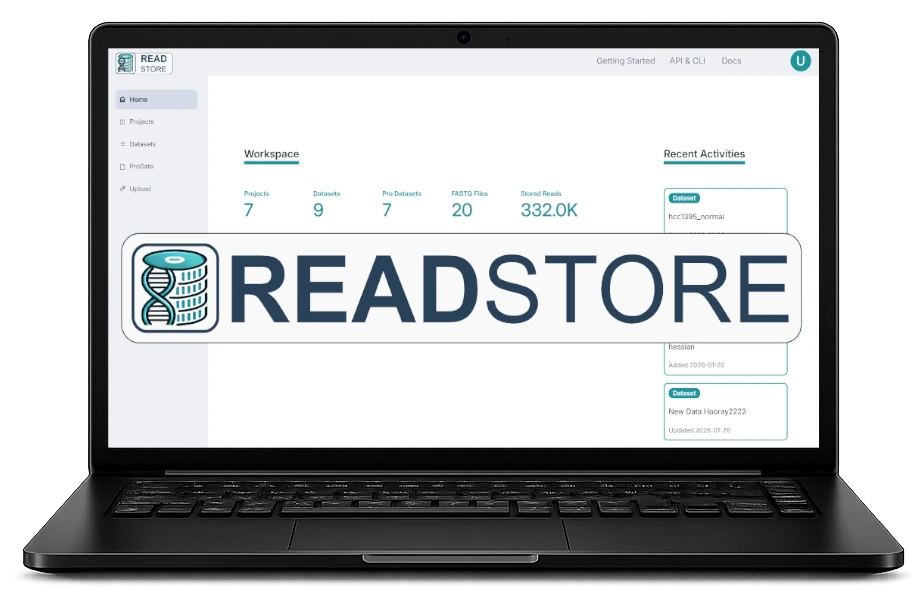
Instantly Access FASTQ Datasets via Python, R, Command Line Interface or REST API
Stay Organized
Raw FASTQ, Processed and Metadata in One Database
Collaborate
Team Workspace to Manage and Share Projects in an intuitive Web App
3 Use Cases to Improve Your Data Analysis
Manage Your Projects and Data Assets in One App
Collect Sample Metadata in a Collaborative Workspace
Automate your Bioinformatics Workflows
Quickstart
[ 1 ]
Download and Install the Python Package
pip install readstore-basic
[ 2 ]
Start the ReadStore Server
readstore-server
[ 3 ]
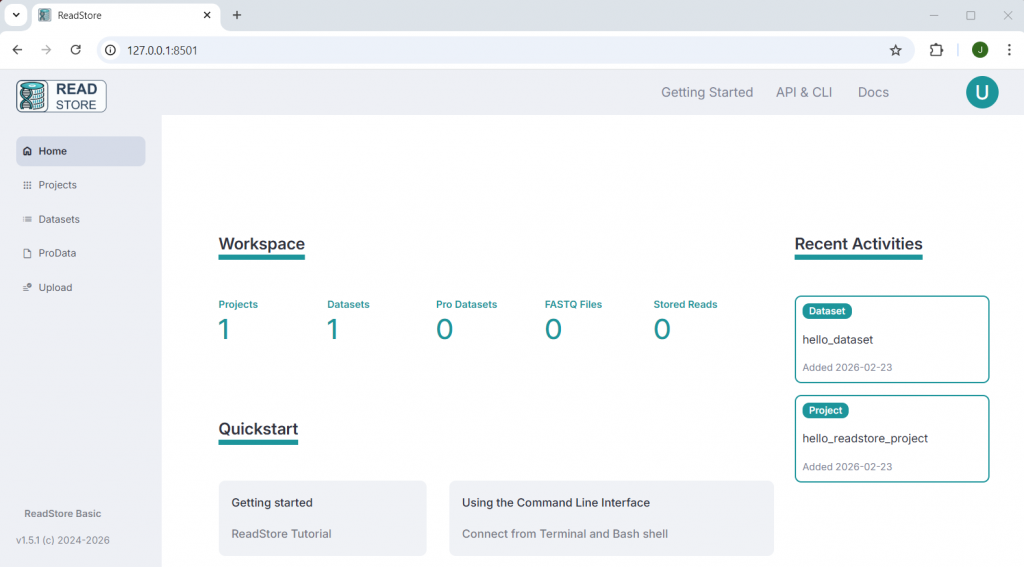
Connect to the Web App
Enter 127.0.0.1:8501 in your Browser Adress Bar
Flexible for Your Infrastructure
Local, On-Premise, or Private Cloud
ReadStore can be deployed on any infrastructure, ensuring your data remains private and secure. Unlike SaaS platforms that require external data storage, ReadStore offers a self-hosted alternative that keeps your data under your control.
If you are interested in using ReadStore Advanced for server or cloud deployment, please contact info@evo-byte.com. EVOBYTE also offers full customization and integration of ReadStore into your lab workflows or bioinformatics pipelines.
ReadStore Omics Repository
Project, Dataset & Metadata Management
Collaborative Workspace for Teams
For Local Servers and PCs
Python, R & Command Line Interface
ReadStore Omics Repository
Project, Dataset & Metadata Management
Collaborative Workspace for Teams
Python, R & Command Line Interface
Centralized On-Premises Solution for Organization-Wide Use
Secure Group and Access Rules
ReadStore Omics Repository
Project, Dataset & Metadata Management
Collaborative Workspace for Teams
Python, R & Command Line Interface
Cloud Deployment and Data Storage (AWS)
Secure Group and Access Rules
Comprehensive Tutorials and Guides
Learn how to organize your datasets in projects, add metadata and use ReadStore to automate your analysis workflows.